What is a Food Ordering System?

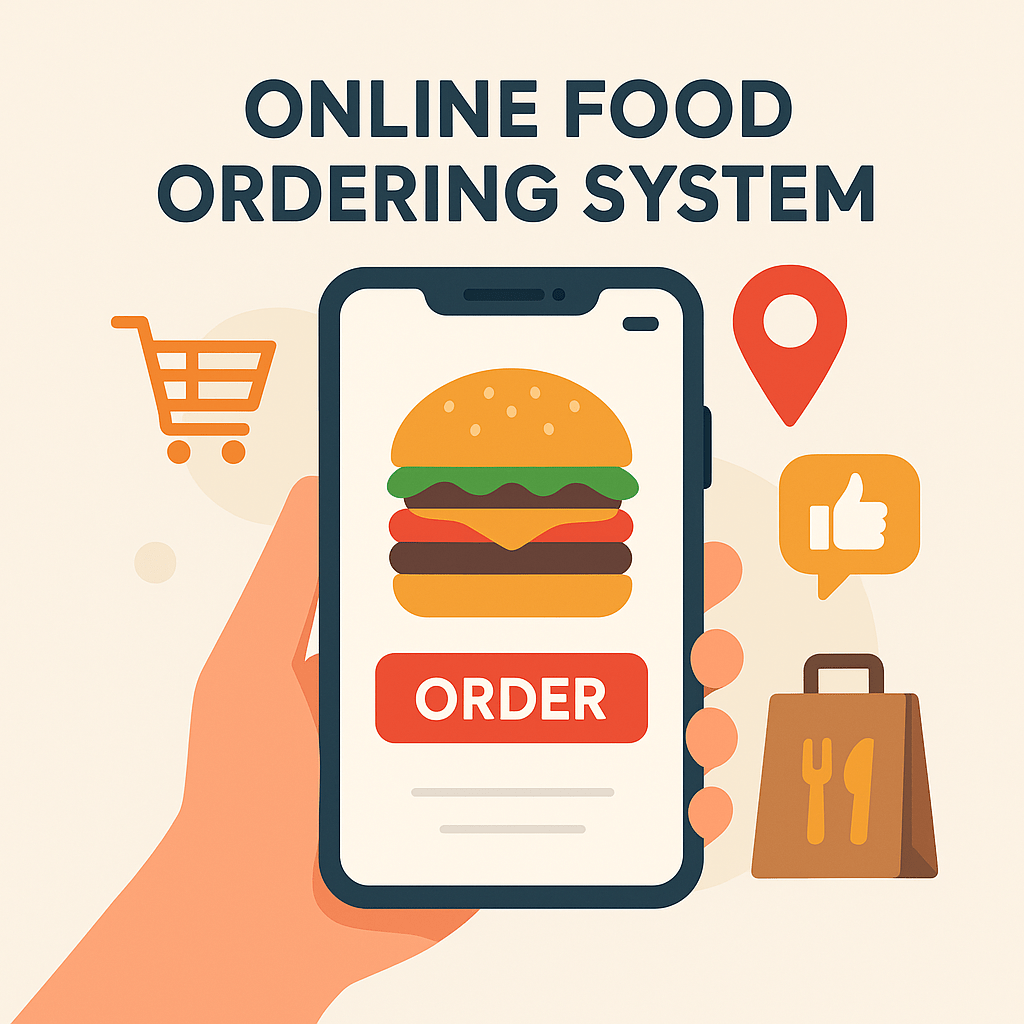
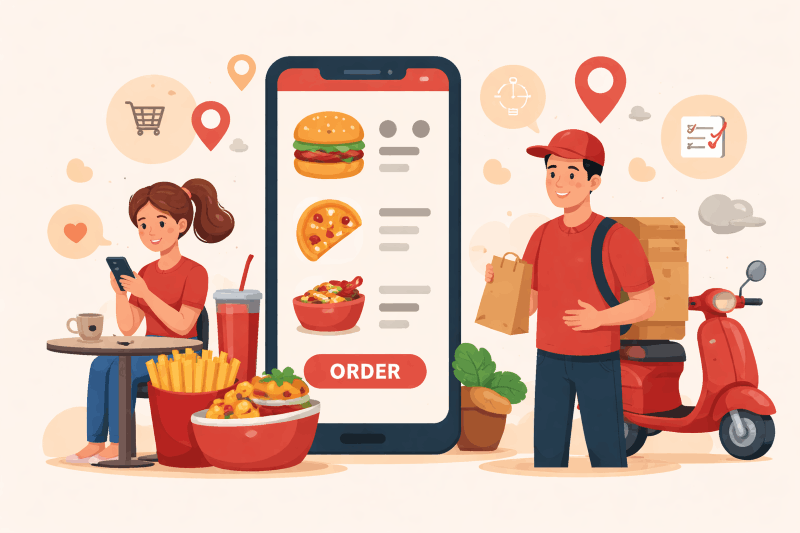
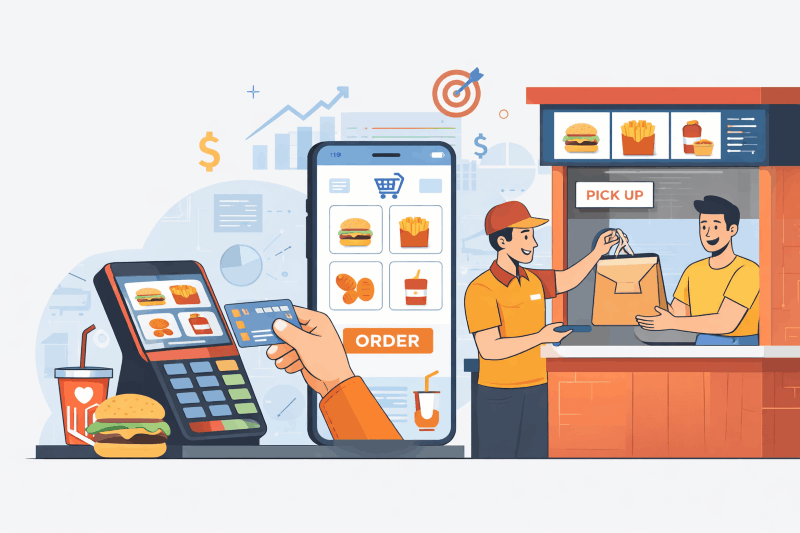
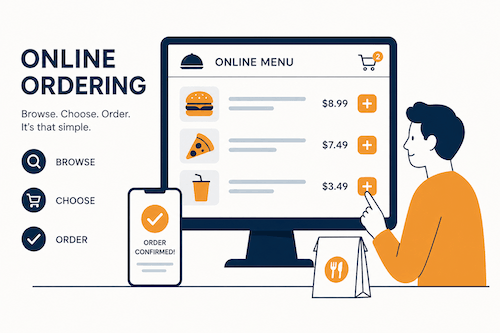
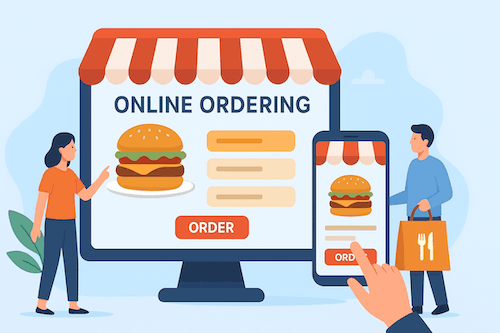
A food ordering system is a digital solution that allows customers to place orders online through a website or mobile app. It helps restaurants and food businesses manage everything — from menu display and order processing to delivery, payments, and customer engagement.

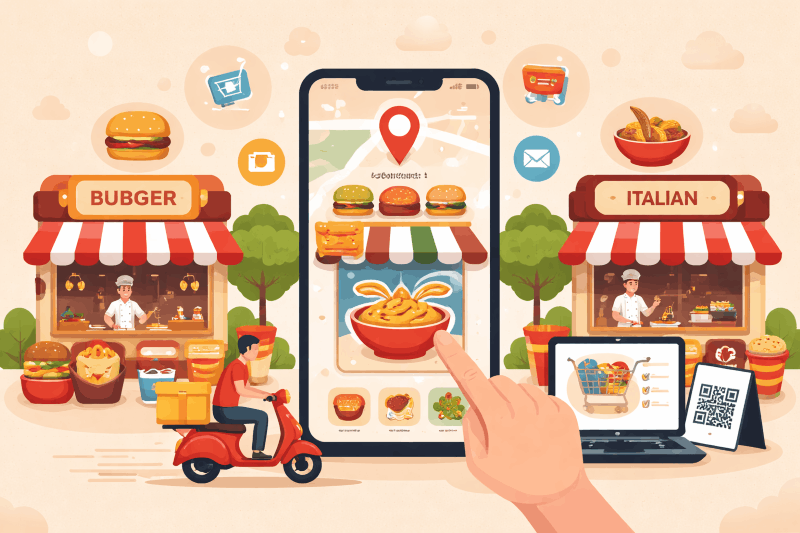
Our platform is a powerful online food ordering system that works for single restaurants, fast food outlets, and even multi-vendor marketplaces.

How Online Food Ordering System Works

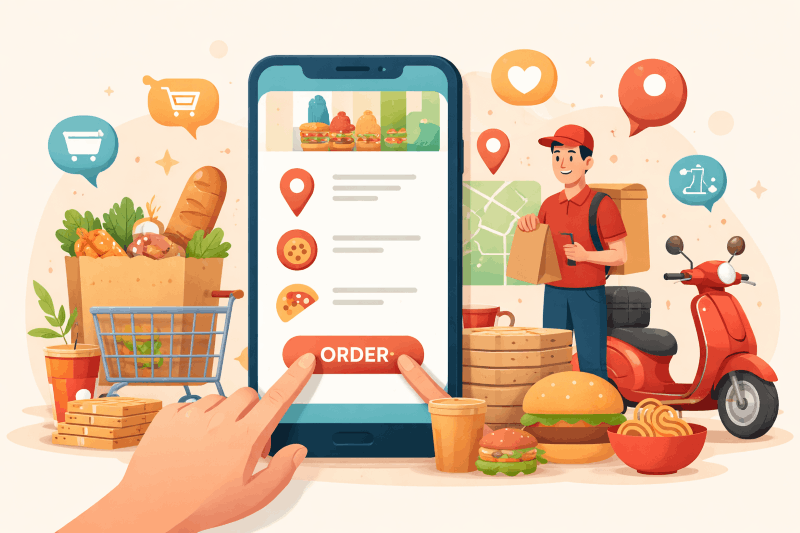
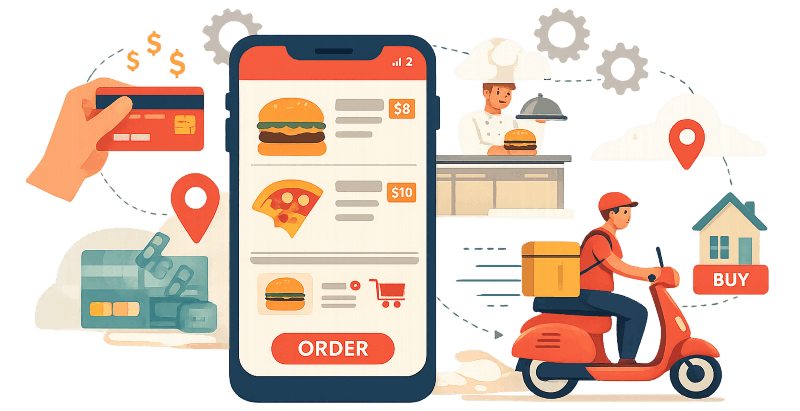
An online food ordering system allows customers to order food digitally — through a website or mobile app — from their favorite restaurants, and have it delivered to their doorstep or prepared for pickup. It streamlines the entire process for customers, restaurants, and delivery agents using automation and real-time tracking.

Here's a detailed breakdown of how it works step by step

Customer Browses the Menu

  • The customer opens the food ordering website or app.
  • They can browse restaurants by location, cuisine, ratings, or offers.
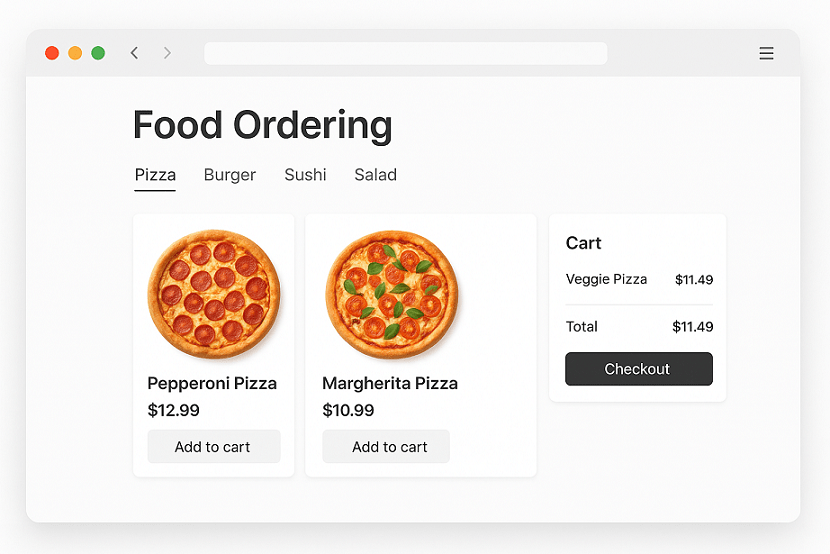
  • The restaurant menu is displayed with images, prices, and custom options (like spice level, toppings, or portion size).

Customer Places an Order

  • The customer adds items to the cart, reviews them, and selects delivery or pickup.
  • They enter the delivery address and choose a payment method — online payment (UPI, card, wallet) or cash on delivery.
  • Once confirmed, the system sends an order notification to the restaurant.

Restaurant Receives and Confirms the Order

  • The restaurant panel or vendor app receives the order details instantly.
  • The restaurant confirms the order and starts preparing the food.
  • The system updates the order status (e.g., “Order Confirmed” → “Preparing Food”) in real-time on the customer's app.

Delivery Agent Gets Assigned

  • When the food is almost ready, the system automatically assigns a nearby delivery agent using GPS tracking and availability data.
  • The delivery agent receives the pickup and drop location on their app.
  • They head to the restaurant, pick up the order, and mark it as “Picked Up.”

Real-Time Order Tracking

  • The customer can track the order live through an interactive map showing the delivery agent's location.
  • Notifications are sent at each step — order accepted, prepared, picked up, and delivered.

Order Delivered

  • The delivery agent delivers the food to the customer.
  • Once completed, the system updates the order status to “Delivered.”
  • The customer can rate the experience, leave feedback, or reorder easily next time.

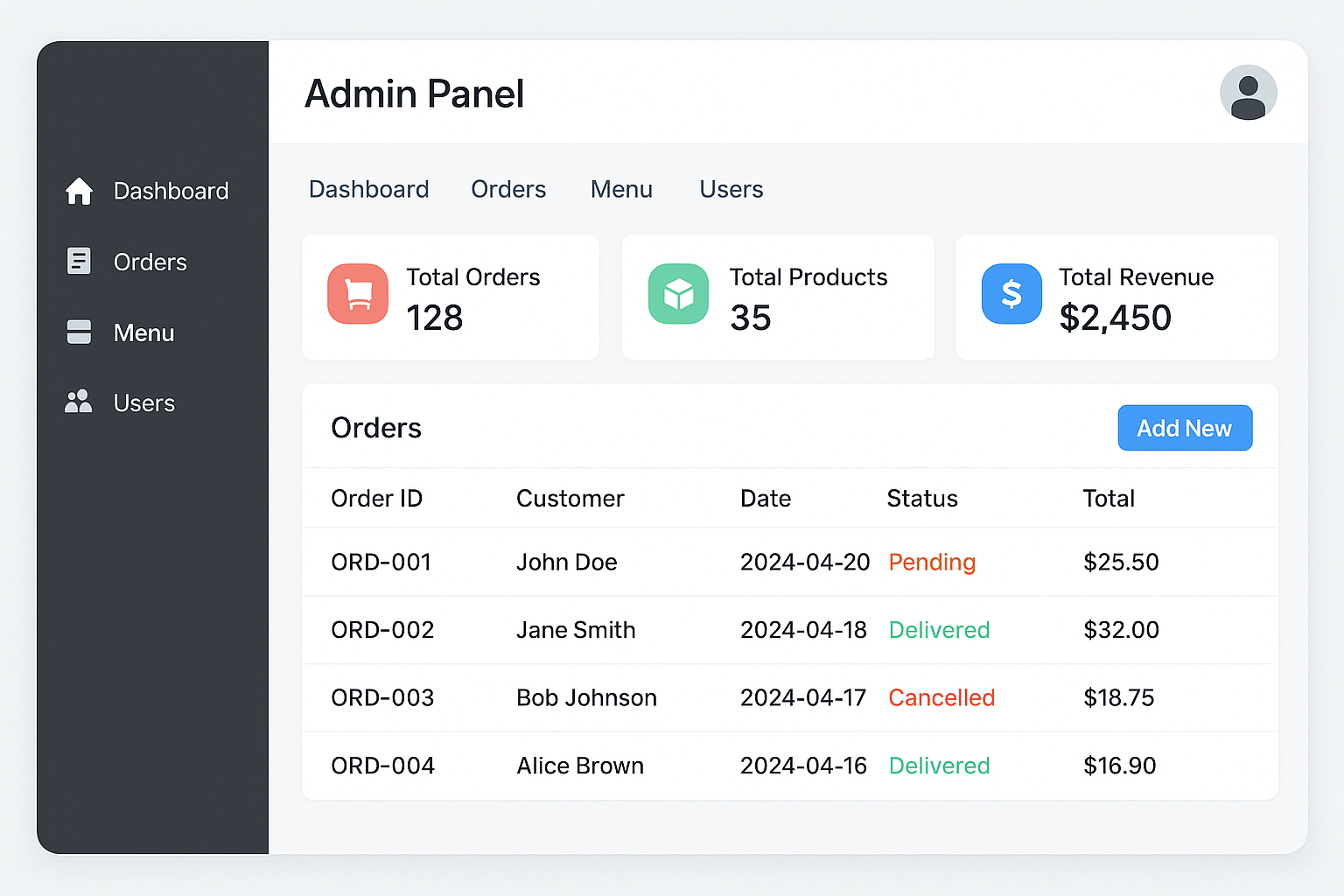
Admin Panel Management

Behind the scenes, the admin panel manages:

  • Restaurant registrations and menu updates
  • Delivery agent tracking
  • Promotions, discounts, and customer support

Key Features of Our Online Food Ordering System

Features of Our Online Food Ordering System

Fast Food Ordering System Optimized for Speed

Designed for high-volume, quick-service restaurants where speed and accuracy matter most.

Simple & Intuitive Interface

A simple food ordering system that staff and customers can use without any training.

Mobile-Friendly Experience

Our mobile food ordering system works seamlessly on all devices — phones, tablets, and desktops.

Multi-Vendor Capabilities

Looking to run a marketplace? Our multi vendor food ordering system allows multiple restaurants to list their menus, manage their own orders, and serve customers through a unified platform.

Customizable Food Ordering System Website

Create your own branded food ordering system website with your logo, menu, and content — no coding required.

Real-Time Order Management

Receive and manage orders instantly. Update order statuses, track deliveries, and receive notifications in real time.

Secure Online Payments

Support for multiple payment gateways including credit cards, digital wallets, and UPI.

Different deliverables of our online food ordering system

Customer App / Website

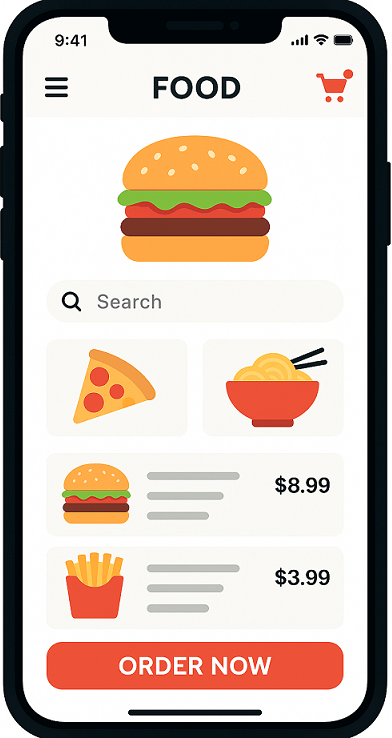
This is the front-end used by customers to browse restaurants, order food, and track deliveries.

Core Features:

  • User Registration/Login
  • Browse Restaurants and Menus
  • Search & Filters (by cuisine, price, ratings, location)
  • Food Item Customization
  • Add to Cart & Checkout
  • Multiple Payment Options (Card, Wallets, UPI, COD)
  • Order Tracking (Live GPS)
  • Order History
  • Ratings & Reviews
  • Offers, Coupons, and Discounts
  • Notifications (SMS, Push, Email)
  • Customer Support/Chat
  • Schedule Orders
Online Food ordering customer app

Delivery Agent App

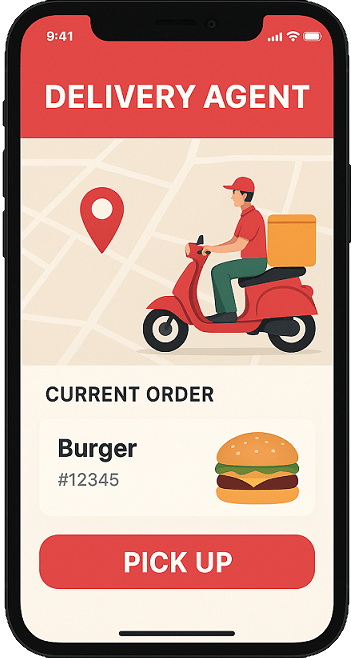
online food ordering delivery agent app

Used by delivery personnel to manage and deliver customer orders.

Core Features:

  • Login/Authentication
  • Profile Management
  • Real-time Order Requests
  • Accept/Reject Orders
  • Navigation via Maps
  • Delivery Status Update (Picked, Delivered, etc.)
  • Earnings Dashboard
  • Ratings & Feedback
  • Availability Toggle (Online/Offline)
  • Order History

Restaurant Manager App

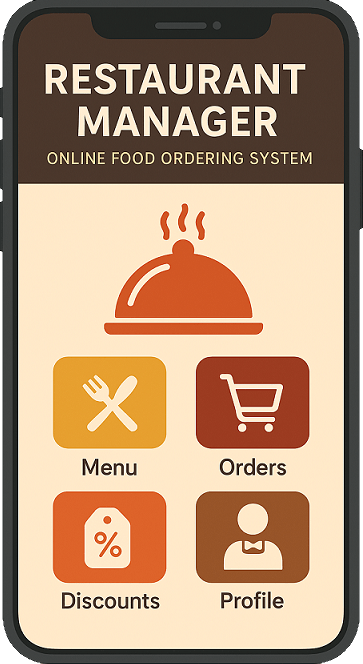
Used by restaurant partners to manage menu, orders, and deliveries.

Core Features:

  • Login/Authentication
  • Restaurant Profile Management
  • Menu Management (Items, Prices, Availability)
  • Real-time Order Notifications
  • Order Acceptance & Preparation Status
  • Inventory Management (Optional)
  • Order History & Analytics
  • Business Hours Management
  • Offers/Deals Management
  • Customer Ratings & Reviews
  • Payment Settlement Reports
online food ordering manager app

Admin Panel

online food ordering admin panel

Centralized dashboard to manage the entire platform (customers, restaurants, delivery agents, and operations).

Core Features:

  • Admin Login
  • User Management (Customers, Delivery Agents, Restaurants)
  • Restaurant Onboarding & Verification
  • Menu Approval
  • Order Monitoring (Live & History)
  • Delivery Tracking
  • Commission Management
  • Offers & Promotions Management
  • Payment Gateway & Settlements
  • Dispute Resolution
  • Reports & Analytics
  • Push Notifications Management
  • App & Website Configuration

Website (Customer-Facing)

Often mirrors the functionality of the customer app but optimized for desktop/mobile browsers.

Features:

  • Responsive UI/UX
  • User Registration/Login
  • Browse/Search Restaurants
  • Menu Viewing
  • Add to Cart & Checkout
  • Order Tracking
  • Payment Integration
  • Ratings & Reviews
  • Offers and Promotions
  • Multilingual & Multi-currency (optional)
online food ordering website

Optional/Advanced Features:

  • Loyalty Programs / Rewards
  • AI-based Recommendations
  • Voice Search
  • Dark Mode
  • Subscription Plans (e.g., free delivery)

Types Of Online Food Ordering Systems

There are several types of online food ordering systems, each designed to meet different business models — from single restaurants to multi-restaurant marketplaces. We offer every kind of online food ordering system. Below is a complete breakdown

Restaurant-Owned Online Food Ordering System

(Also known as a Standalone Food Ordering System)

Description:

This type is built for a single restaurant or food chain that wants to take online orders directly from its customers — without involving any third-party aggregators.

How It Works:

  • The restaurant has its own website or mobile app.
  • Customers place orders directly.
  • The restaurant handles order processing, delivery, and payments in-house or with its own delivery team.

Advantages:

  • No third-party commissions.
  • Full control over branding, pricing, and customer data.
  • Better customer loyalty.

Examples:

Domino's, Pizza Hut, McDonald's (their apps and websites).

Marketplace or Aggregator-Based Food Ordering System

(Also known as a Multi-Restaurant Ordering System)

Description:

A centralized platform where multiple restaurants list their menus, and customers can order from any of them. The platform connects customers, restaurants, and delivery agents in one system.

How It Works:

  • Restaurants register on the platform.
  • Customers browse nearby restaurants and place orders.
  • The platform assigns delivery partners and handles payments.

Advantages:

  • Variety of restaurants and cuisines in one app.
  • Restaurants get more visibility.
  • Customers enjoy convenience and promotions.

Examples:

Zomato, Swiggy, Uber Eats, Grubhub, DoorDash.

Third-Party Online Ordering and Delivery System

(Hybrid / Partner Model)

Description:

Here, a restaurant uses a third-party software provider to manage its online ordering system — but still retains control over branding.

It's ideal for restaurants that want an app or website without developing it from scratch.

How It Works:

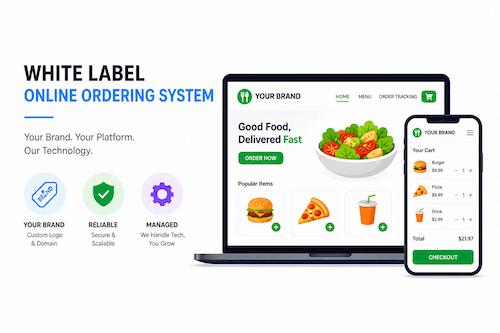
  • The third-party company offers white-label software.
  • The restaurant customizes it with its logo, menu, and delivery process.
  • Orders go through the restaurant's own branded platform.

Advantages:

  • Quick setup and lower cost than building a custom app.
  • Retains brand identity.
  • Full control of data and delivery.

Examples:

Goteso's Food Delivery App Solution

Delivery Service-Based System

(Logistics-Focused Food Delivery Model)

Description:

Some businesses specialize only in delivery and logistics, partnering with restaurants that prepare the food.

How It Works:

  • Restaurants prepare food; the delivery company handles order pickup and delivery.
  • Customers order through either the restaurant or the delivery partner app.

Advantages:

  • Restaurants don't need to manage delivery staff.
  • Faster delivery coverage across large areas.

Examples:

Dunzo, Deliveroo, Postmates.

Cloud Kitchen or Virtual Restaurant Ordering System

(Online-Only Restaurant Model)

Description:

A cloud kitchen operates entirely online — without a dine-in space. Orders come via apps or websites, and food is delivered directly.

How It Works:

  • No physical restaurant space.
  • Multiple brands can operate from one kitchen.
  • Orders come through delivery apps or owned systems.

Advantages:

  • Low setup and operational costs.
  • High scalability.
  • Suitable for delivery-first food brands.

Examples:

Rebel Foods (Faasos), Behrouz Biryani, EatSure.

B2B or Corporate Food Ordering System

(For Office Meals or Group Orders)

Description:

Designed for corporate clients or bulk meal management, these systems let companies order meals for employees from partnered restaurants or caterers.

How It Works:

  • Offices set meal schedules or budgets.
  • Employees order through a dedicated platform.
  • Centralized billing and tracking for companies.

Advantages:

  • Simplifies group or recurring orders.
  • Reduces billing complexity.
  • Ensures timely delivery for offices.

Examples:

Food@Work programs by Swiggy Corporate or Zomato for Business.

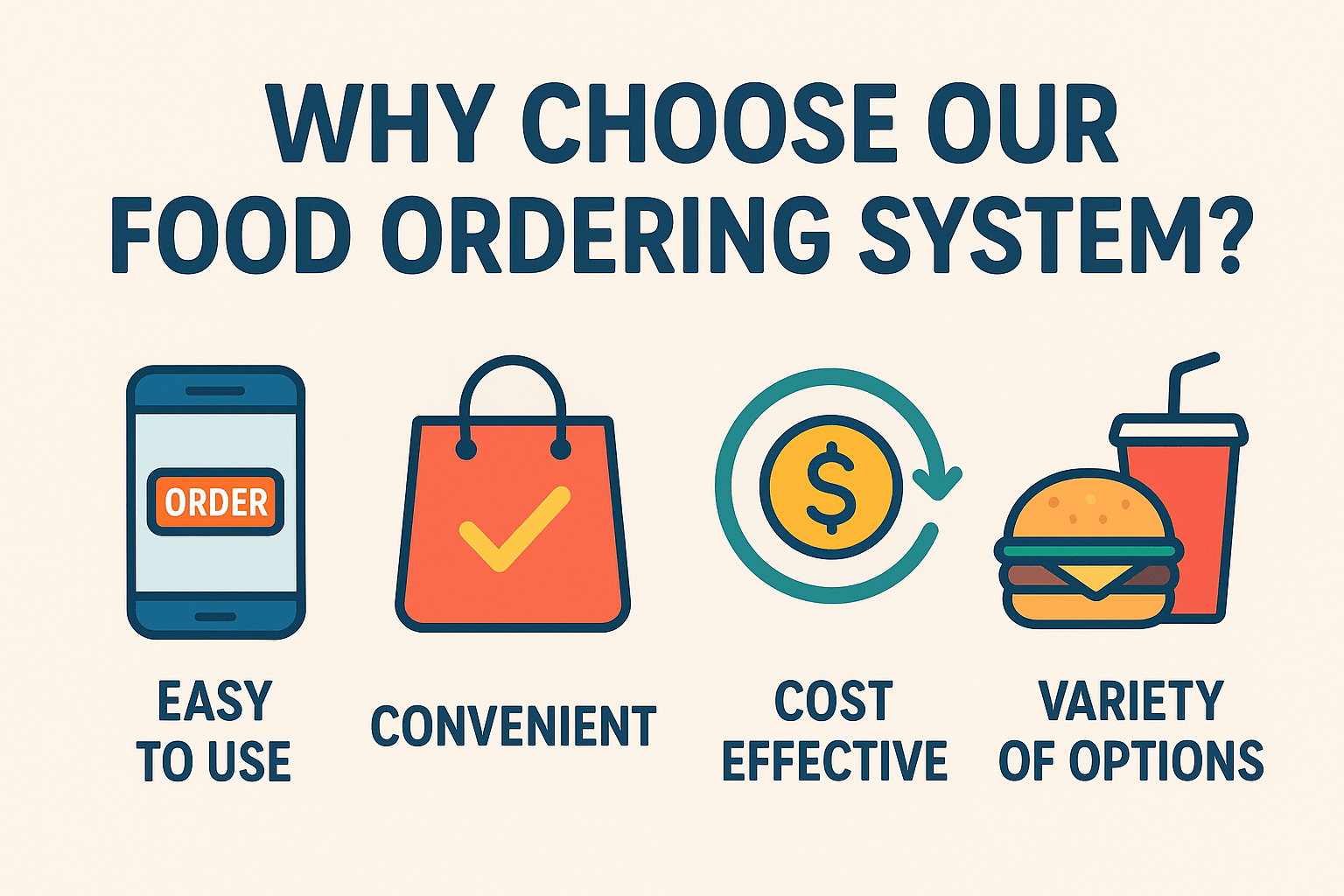
Why Choose Us?

  • Recognized as the best online food ordering system for scalability and ease of use
  • Built for every business type — single restaurants, chains, and marketplaces
  • 100% responsive digital food ordering system
  • Integrated dashboard for order tracking, analytics, and customer data
  • Easily integrates with POS, delivery apps, and CRM tools

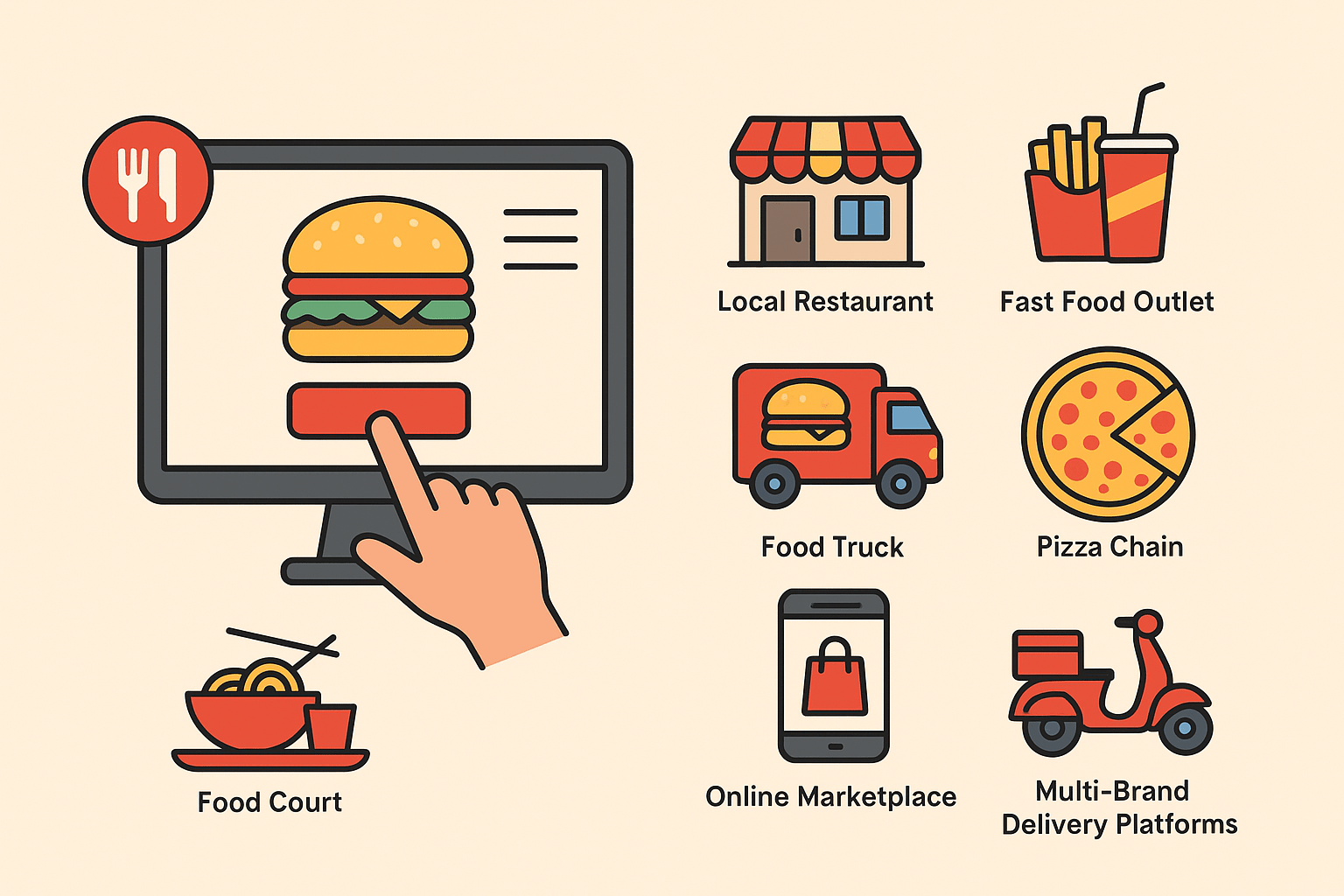
Ideal for:

  • Local Restaurants
  • Fast Food Outlets
  • Food Trucks
  • Pizza Chains
  • Food Courts
  • Online Marketplaces
  • Multi-Brand Delivery Platforms

Whether you need a fast food ordering system or a full-featured multi vendor food ordering system, we’ve got the solution to fit your needs.


Build Your Online Presence Today

Launch your own food ordering system website in minutes. Our platform provides everything you need — from menu design and payment integration to order management and analytics.

What do our clients say about us?

Get Started Now

Ready to take control of your orders and increase your revenue? Try the best online food ordering system for restaurants, fast food outlets, and delivery businesses today.

Book a live demo to see our digital food ordering system in action.